PC Store Together PC Assembly Checklist
A bench-side ritual so every custom build posts, cools, and is ready to price.
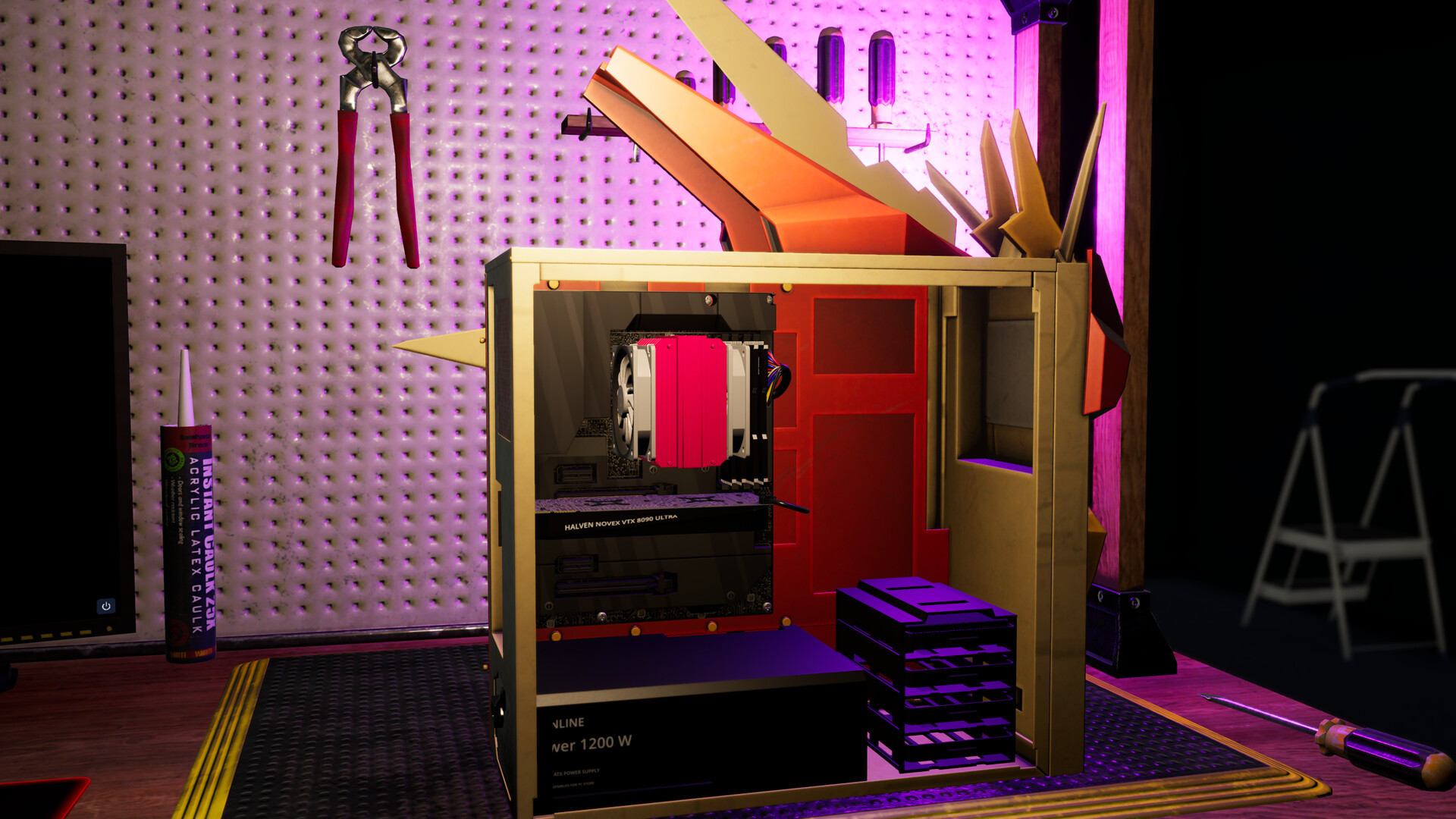
Use this build checklist every time you assemble a PC in PC Store Together. Compatibility is real: wrong socket, wrong slot, weak wattage, or bad thermals means a dead or unstable system. Run the list top to bottom before you close the panel and again before you print a price tag. Pair with How to Build PCs, Hardware Tiers, and Pricing Tips.
New shops should also keep Getting Started handy. Repair techs can adapt the same gates when reassembling a customer machine after How to Repair diagnosis.
Pre-bench shopping check
- Confirm the order brief: office, gaming, or creator expectations.
- Verify every part is unlocked for your reputation tier —see Tier List Hub.
- CPU and motherboard socket match.
- Cooler supports the CPU TDP and fits the chosen case.
- RAM generation and capacity match board support.
- GPU length / power connectors fit the case and PSU.
- PSU wattage covers CPU + GPU + drives + fans with headroom.
- Storage interface matches available board headers.
- Case has standoffs / clearance for the board and cooler.
If any line fails, fix stock before opening the case. Co-op buyer role tips live on Co-op Roles.
Assembly order checklist
- Prep the case —standoffs installed, I/O shield seated, front panel cables identified.
- Mount the CPU —orientation marks aligned; no bent pins / no forced latch.
- Install cooler —contact paste applied correctly; all fasteners snug; fan direction noted.
- Seat RAM —correct channels populated; modules clicked fully.
- Install motherboard —screws in, no shorting hazards, rear I/O flush.
- Add storage —SSD/HDD secured and data cable routed.
- Install GPU —PCIe slot latched; power plugs fully home.
- Mount PSU —orientation correct; 24-pin, CPU, and GPU power connected.
- Cable pass —front panel power/reset/USB/audio; tidy enough for airflow.
- Fans —intake/exhaust planned; nothing grinding the cooler.
Only then close the side panel —or leave it off for the first post if your crew prefers visual smoke checks.
Power-on and QC gates
- Power LED / fans spin on first press.
- POST succeeds; no immediate shutdown.
- Enter whatever diagnostic / OS flow the game provides for that build.
- Watch thermals under a short load or benchmark —hot throttling means cooler or airflow failure.
- Confirm GPU is detected when the order expects a discrete card.
- Confirm storage is visible.
- Run the in-game benchmark used for pricing credibility.
- Photograph / note the parts list for the register player.
Failed gate? Do not price it. Tear back to the failing step. Common culprits: socket mismatch, RAM not clicked, GPU power missing, PSU undersized, cooler not mounted. Deep troubleshooting mindset: How to Repair.
Co-op sign-off
With two to four players, require a second pair of eyes on wattage and socket before power-on. One player builds; one player reads this checklist aloud. The register player only receives systems that passed benchmark. That handoff cuts arguments and refunds. More role detail: Players Hub and Co-op Roles.
Solo players: keep a sticky note of the ten assembly steps and the QC gates. Context switching to the counter is when mistakes sneak in —pause the sale, finish QC, then tag the PC using Pricing Tips.
After unlock waves and patches
When reputation opens a new hardware tier, update your mental checklist: new sockets, higher TDP coolers, hungrier GPUs. After launch, Sykes Games & Nightmare Studios shipped community hotfixes and a Major Optimization performance update (see Patch Notes). Smoother performance helps you notice thermal warnings and UI prompts you might have missed during hitching.
Tie-ins across the wiki
- Tools Hub —sibling pricing page
- Store Management —when to hold a finished PC vs rush it out
- Codes —Steam intro discount info only; no redeem codes
- Links —Steam page + Discord for bug reports if a part behaves oddly after a patch
- Wiki —full game overview
Run the checklist until it is muscle memory. Boring builds that always post beat flashy builds that die on the bench when four friends are watching the queue grow.
Frequently Asked Questions
Quick answers for shop owners and co-op crews.
What should I check before powering on?
Socket match, RAM seating, cooler mount, GPU power plugs, and PSU wattage headroom. Then confirm front-panel power is connected.
When do I price the finished PC?
Only after a successful post and benchmark. Use Pricing Tips to set a tag that reflects parts cost plus reliable labor.
Can repairs use this checklist?
Yes. After you replace a faulty part, re-run assembly QC and power-on gates before returning the machine to the customer.
Who should own the checklist in co-op?
Pick a builder and a QC reader. The register player should refuse unsigned systems that skipped benchmark.