PC Store Together Shop Tools & Checklists
Checklists and pricing routines for builds, repairs, and healthier margins.
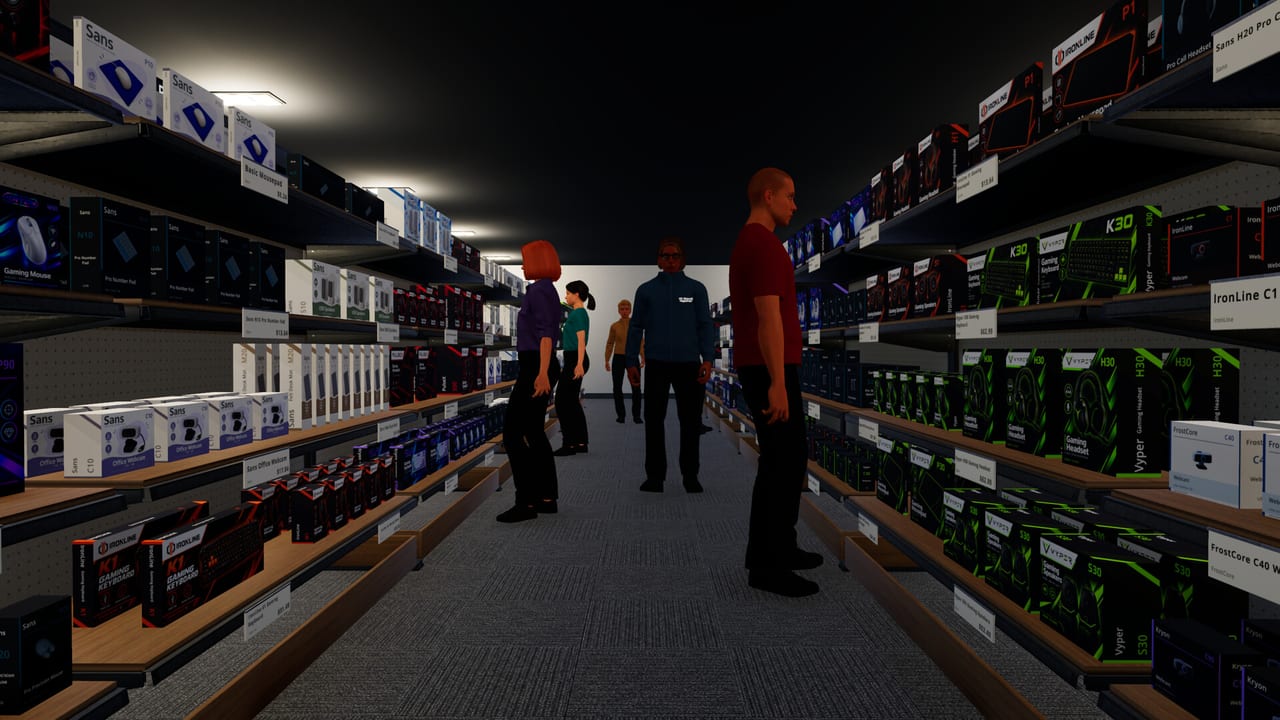
The Tools hub collects repeatable shop routines for PC Store Together — the habits that keep co-op nights profitable when queues spike. Use these pages as living checklists next to the bench, not as lore dumps. Pair them with How to Build PCs, How to Repair, and Hardware Tiers whenever unlocks change what you stock.
Featured tools
- Build Checklist — socket, cooler, RAM, GPU, PSU, cable, and post tests before you price a tower.
- Pricing Tips — cost-plus thinking after benchmark, when to discount dead stock, and how not to race to the bottom.
New players should skim Getting Started once, then keep this hub pinned. Veterans use it after every reputation unlock wave so new SKUs do not skip QC.
Why checklists beat vibes
Hands-on assembly means small misses cascade: wrong socket, loose cooler, RAM in the wrong channel, GPU power unplugged, PSU under wattage. The simulation cares. A checklist turns “pray it posts” into a short, boring ritual you can run under register pressure. In co-op, print the ritual into Co-op Roles so the builder and the QC partner share one standard.
Pricing is the second tool. Parts cost money; labor time is the invisible cost. Tagging by gut after a failed first boot trains you to undercharge. Run the pricing page after a clean benchmark and after you know the tier of parts inside the case.
How to use this hub during a session
- Before custom builds: open Build Checklist.
- After post + benchmark: open Pricing Tips.
- If the build fails: jump to How to Repair diagnostics mindset, then re-run the checklist.
- If cash is tight: Store Management plus pricing tips for clearance vs hold.
- After a Steam news drop: Patch Notes in case performance or bug fixes change bench time.
Solo vs co-op tool use
Solo players context-switch constantly — checklist discipline saves the most time when you are also on the register. Co-op crews should assign a tools owner for the night: that player enforces checklist completion before anything hits the sales floor. See Players for crew size advice and Wiki for the full loop overview.
Related destinations
- Tier List Hub and Hardware Tiers
- Guides family: build, repair, store management
- Updates / Patch Notes
- Codes for Steam intro offer / sale watching (no redeem codes)
- Links for Steam store page and Discord
Keep tools short, actionable, and updated when the studio ships meaningful changes. Launch already saw community hotfixes and a Major Optimization performance update — faster frames mean tighter QC loops if your crew was previously limited by hitching on the shop floor.
Frequently Asked Questions
Quick answers for shop owners and co-op crews.
What tools are available right now?
Build Checklist for assembly QC and Pricing Tips for margins. More routine pages can be added as the meta settles after launch.
Do these replace the guides?
No. Guides teach the systems; tools are repeatable checklists and pricing habits you reuse every session.
Should co-op teams share one checklist?
Yes. Agree on one QC standard and assign who signs off before a PC goes to the sales floor or customer pickup.