How to Repair PCs in PC Store Together
Diagnose first, replace second, and keep repair margins—and reputation—intact.
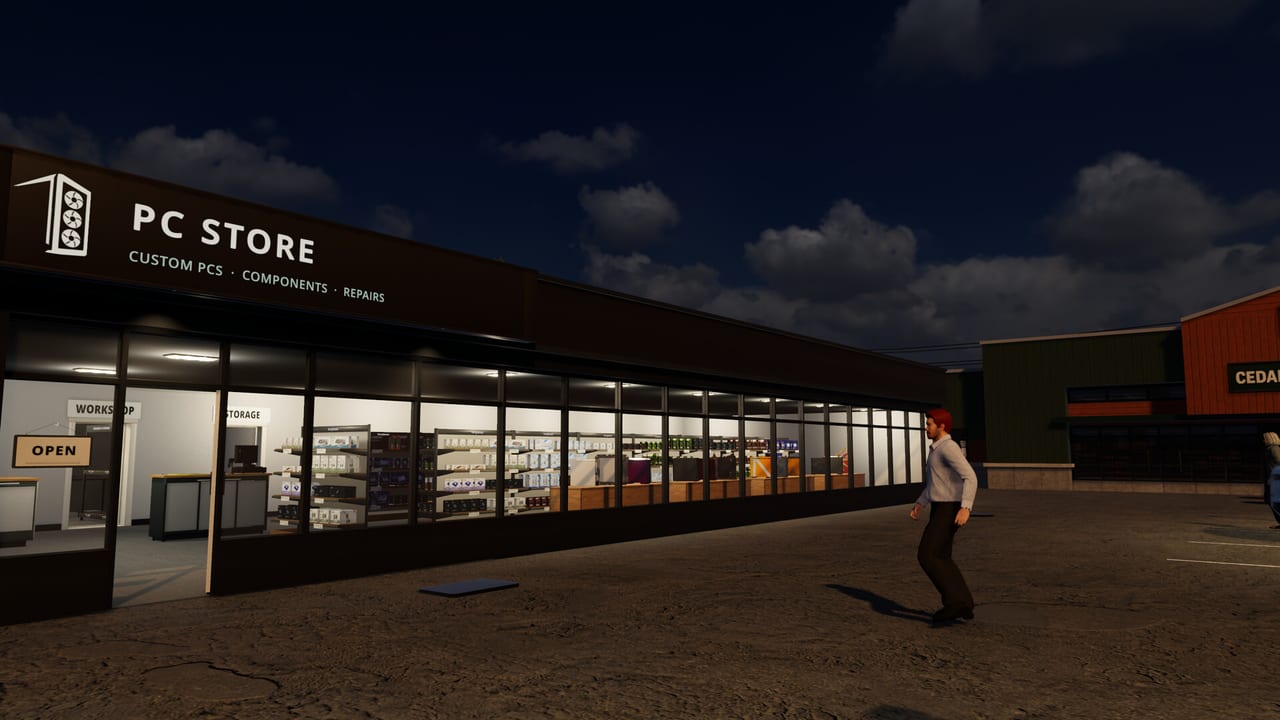
Repair work is where PC Store Together separates careful shopkeepers from parts gamblers. Customers roll in with dead, noisy, or unstable machines. The temptation is to yank the expensive component and hope. That habit empties shelves, wrecks margins, and slows the reputation climb that unlocks better tiers.
This guide teaches a diagnose-first loop that works in solo play and in 1–4 player online co-op. Pair it with How to Build PCs for install order when a rebuild is truly required, Store Management for stocking the spares you actually burn, and Getting Started if you are still learning the floor. The Guides Hub lists every tutorial in one place.
Diagnose before you replace
Say it until it sticks: diagnose before replace. A repair ticket is a mystery with a budget, not a shopping spree. Your job is to identify the failing subsystem, confirm it with a test, then spend the minimum parts needed to restore a reliable machine.
Why it matters:
- Wrong swaps waste unlocked-tier inventory you needed for sales builds
- Extra labor time lets other customers queue at the counter
- Bad repairs return as angry reviews that stall reputation unlocks
Reputation is progression. Every sloppy repair is a slower unlock curve.
Intake at the counter
- Listen to the symptom — no power, no display, crashes under load, storage missing, overheating.
- Tag the chassis so co-op teammates do not “help” by starting a conflicting teardown.
- Move it to a repair-capable bench instead of blocking the sales build lane.
- Photograph the mental state of cables — note what was already loose before you touch anything.
In co-op, the counter player should announce the symptom in one sentence. The repair player repeats it back. Misheard tickets create fake faults.
The diagnostic pass
Work from outside in. Do not open the case until the obvious external checks fail.
External quick checks
- Power cable seated and PSU switch on
- Display cable on the GPU (or iGPU output if applicable)
- Front-panel power button behavior
Internal triad (same killers as new builds)
When the machine is a brick, inspect the classic trio from the build guide:
- Wrong or unseated CPU / socket mismatch leftovers from a prior botched upgrade
- RAM in incorrect slots or partially seated
- Insufficient wattage after a GPU upgrade the customer attempted at home
Those three appear constantly in both new builds and repairs. Fixing them is often a reseat or a single correct part—not a full rebuild. Details on install order live in How to Build PCs.
Load and storage checks
If the PC POSTs but fails in use:
- Run a short benchmark or stress check before declaring victory
- Confirm storage is detected and healthy enough for the customer’s use case
- Watch thermals if the complaint was shutdowns or throttling—cooler seating matters
Benchmark before you sell or return the machine. A repair that only idles is not finished work.
Decision tree: repair vs rebuild
Use a rebuild when:
- Multiple interdependent parts are dead
- The chassis or board makes further repairs uneconomical
- The customer explicitly pays for a modernized system and reputation goals align
Stay in repair mode when:
- A single clear fault explains the symptom
- Donor parts from stock are cheap relative to a full new tower
- Turnaround time matters more than upselling
Upselling is fine when honest. It is not fine when you invent faults. Reputation systems punish the second path even if the invoice looks bigger today.
Parts discipline on the repair bench
- Pull one candidate part at a time when testing substitutions
- Bag removed screws and keep donor PSUs labeled by wattage
- Return unused stock to shelves immediately so Store Management numbers stay real
- Never “borrow” a GPU from a finished sales build without telling the team
Solo players still benefit from the one-change-at-a-time rule. Changing three variables at once teaches you nothing when the machine suddenly works.
Common repair scenarios
No power
Check wall, switch, PSU, and front-panel wiring before condemning the motherboard. Insufficient or failed PSUs are frequent after customer self-upgrades.
Powers, no boot
Reseat RAM into the correct slots, confirm CPU seating, then consider minimal board-level faults. Do not leap to a new GPU because it is the shiny SKU.
Boots, crashes under load
Thermals, PSU headroom, and unstable RAM configurations dominate. Benchmark to reproduce; fix the cause; benchmark again.
Missing storage / slow disk complaints
Reseat cables and mounts first. Replace the drive only after the interface proves innocent. Selling a “repaired” PC with flaky storage is how returns happen.
Pricing repairs without losing the room
Charge for diagnosis time and parts, not vibes. Transparent invoices build the reputation that unlocks tiers. Early-game, a fair repair that clears the queue beats a maximal invoice that sends the customer to complain. Later, when higher tiers are unlocked, your diagnostic speed is the scarce resource—price accordingly, still honestly.
Early money elsewhere in the shop should still favor workbenches over decoration. A second repair-capable bench is often worth more than a plant. Getting Started covers that spend order; this page simply refuses to waste the bench you already bought.
Co-op repair roles
With full online co-op from minute one:
- Counter owns intake symptoms and pickup promises
- Repair tech owns the tagged chassis end to end
- Runner fetches tested spares and returns unused stock
- Sales builder stays off the repair bench unless drafted
Hand-offs mid-teardown cause lost screws and duplicate part pulls. Finish or explicitly pause with notes.
After the fix
- Benchmark or functionally test
- Close the panel properly
- Update the ticket / tell the counter the machine is ready
- Restock consumed spares
- Log what failed so shelf planning improves
Patterns in failures should change what you order. If half your tickets are weak PSUs after GPU upgrades, stock wattage headroom before another row of novelty coolers. That feedback loop is store management with better data—see Store Management and the Tier List for what to prioritize as unlocks arrive.
Launch and support context
PC Store Together launched November 24, 2026 (Steam app 4990940, Windows, $12.99 regular, launch −15% through December 1, 2026) with Very Positive reviews. Hotfixes and a performance update shipped around November 24–25, 2026. If repair interactions feel broken after a patch, check Updates before blaming your workflow. Community help: discord.gg/PmEpG7cM58; more destinations on Links.
Diagnose first, change one variable at a time, benchmark before handoff, and repairs become a reputation engine instead of a parts shredder.
Frequently Asked Questions
Quick answers for shop owners and co-op crews.
Should I replace parts as soon as a customer PC fails?
No. Diagnose before you replace. Identify the failing subsystem, confirm with a test, then spend the minimum parts needed. Guess-swapping wastes stock and reputation.
What causes most repair boot failures?
The same triad as new builds: socket/CPU seating issues, wrong RAM slots, and insufficient PSU wattage—often after a customer’s home GPU upgrade.
When is a full rebuild better than a repair?
Rebuild when multiple parts are dead, the chassis makes repairs uneconomical, or the customer pays for a honest modernization. Otherwise prefer targeted repairs for speed and margin.
Why benchmark after a repair?
A machine that only idles can still fail under load. Benchmark or functionally test before counter pickup so returns do not erase profit or damage reputation unlocks.
How should co-op teams handle repairs?
Tag each chassis, assign one repair owner, and keep sales builders off that bench unless drafted. Clear symptom callouts at intake prevent duplicate teardowns.