PC Store Together Hardware Tier List Hub
Unlock order, stock priorities, and which components earn margin as reputation climbs.
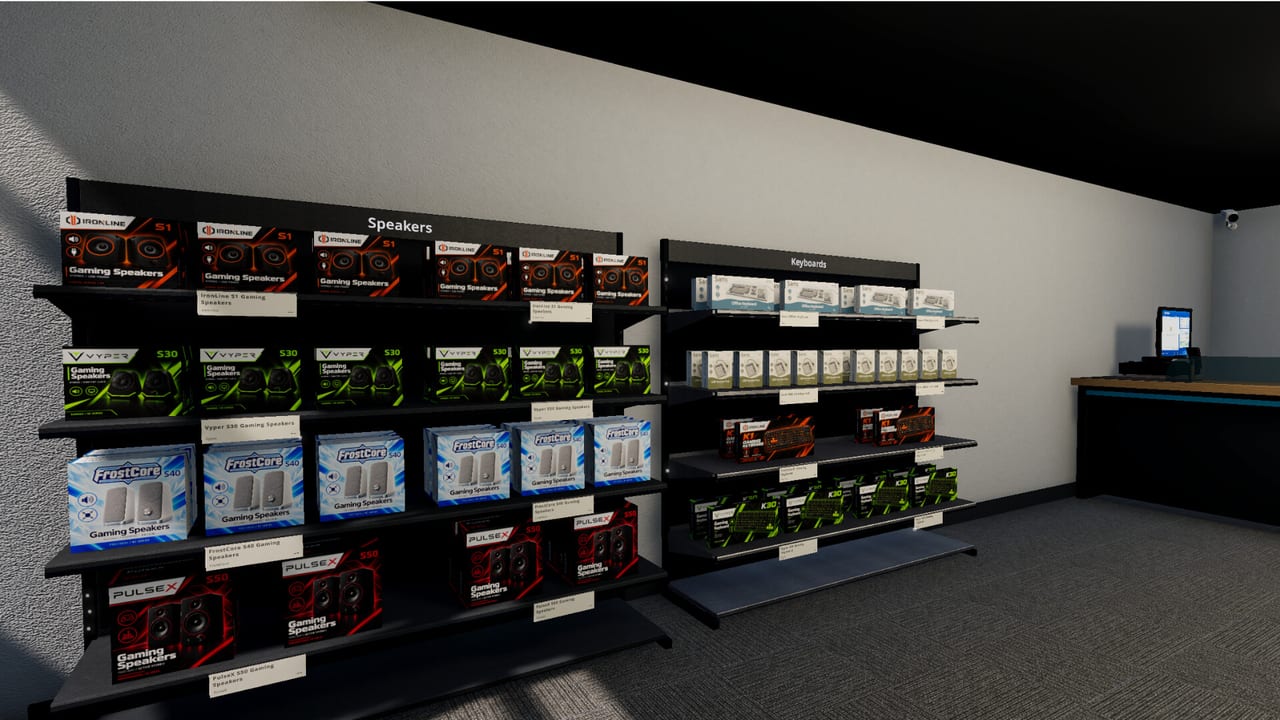
PC Store Together does not rank characters or weapons — your meta is hardware tiers. As reputation rises, Sykes Games & Nightmare Studios unlock better CPUs, GPUs, coolers, motherboards, PSUs, storage, and cases. Wrong sockets, weak wattage, or bad thermals mean a rig that fails to post or sells for scrap margins. This hub is the map for that progression ladder.
Start with the deep dive Hardware Tiers for category-by-category unlock thinking. Pair it with How to Build PCs, the Build Checklist, and Pricing Tips so every unlocked SKU turns into profit instead of dead shelf space.
What “tier” means in this game
Tiers are gated by shop reputation and expansion, not by a PvP ladder. Early shelves hold entry CPUs, basic coolers, modest RAM kits, and PSUs that barely cover a mid-range GPU. Later unlocks open enthusiast sockets, higher TDP coolers, discrete GPUs with real draw, and cases with better airflow. Customers who want custom builds expect parts that match the tier you advertise — overselling a budget board under a high-end GPU wastes a sale and a bench cycle.
Treat each unlock wave as a stocking decision, not a vanity collect. Buying every new SKU the moment it appears can starve cash flow. Prefer parts that complete known build recipes you already sell well, then expand into repair spares for the same sockets. See Store Management for cash and shelf discipline, and How to Repair for which failed parts show up most often at each reputation band.
How to use this hub
- Read Hardware Tiers for CPU, GPU, PSU, cooler, and board priorities.
- Cross-check assembly order on the Build Checklist.
- Price finished systems with Pricing Tips after a clean benchmark.
- In co-op, assign who owns unlock shopping versus who builds — Co-op Roles.
- After patches that touch performance or stability, skim Patch Notes before restocking exotic SKUs.
Stocking priorities by phase
Opening days. Focus on compatible starter CPUs, matching boards, cheap but correct coolers, and PSUs with enough headroom for the GPUs you actually stock. Keep RAM and storage in simple kits so new builders do not mismatch slots. Link your first successful recipes from Getting Started.
Reputation climb. When mid tiers open, stop flooding the floor with obsolete CPUs unless you still have repair demand. Shift shelf space toward parts that clear custom-order queues. Benchmark every finished tower before tagging it — simulated thermals and wattage punish lazy builds.
Expansion shop. With extra benches and display areas, you can hold two tiers at once: a value lane for walk-ins and a performance lane for custom jobs. Coordinate purchasing in Players sessions so nobody double-orders the same GPU while the cooler aisle sits empty.
Related tools and guides
- Hardware Tiers — full progression breakdown
- Build Checklist — socket, wattage, thermal gate checks
- Pricing Tips — margin after parts cost
- Guides Hub entry via Getting Started
- Tools Hub and Updates for live changes
FAQ focus
This hub stays high-level on purpose. Detailed socket notes, cooler TDP advice, and PSU headroom tables live on the child page so we can update one source when launch hotfixes or future balance posts change feel. Bookmark both pages, and keep Discord (Links) open for community reports on broken SKUs after a patch.
Use the Wiki overview if you need the full game loop reminder, and Codes only for Steam discount / sale watching — there are no in-game redeem codes at launch.
Frequently Asked Questions
Quick answers for shop owners and co-op crews.
Is this a character or weapon tier list?
No. PC Store Together ranks hardware unlock tiers — CPUs, GPUs, coolers, boards, PSUs, and related parts gated by shop reputation.
Where should I start after unlocking a new tier?
Stock parts that complete builds you already sell, then add repair spares for those sockets. Read Hardware Tiers and the Build Checklist before bulk buying.
Do patches change the tier list?
Hotfixes and the Major Optimization performance update focus on stability and performance. Recheck Patch Notes after big updates before restocking niche SKUs.